

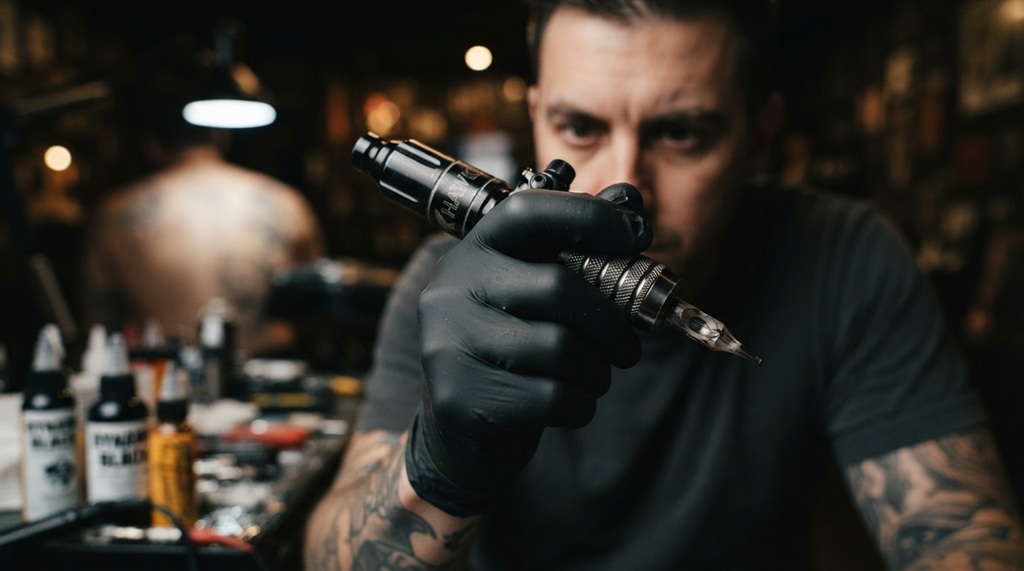

Knowing how to test rotary tattoo pens like a professional artist helps you identify problems before they affect your work. A proper test ensures consistent needle movement, stable power, smooth operation, and reliable performance during long tattoo sessions.
Professional tattoo artists never judge a machine by appearance alone. They evaluate its mechanics, balance, vibration, stroke consistency, and compatibility with different needle cartridges before using it on clients. Whether you’ve purchased a new rotary tattoo pen or want to inspect your current machine, following a structured testing process will help you achieve better results and extend the lifespan of your equipment.
Essential Tools Before Testing a Rotary Tattoo Pen
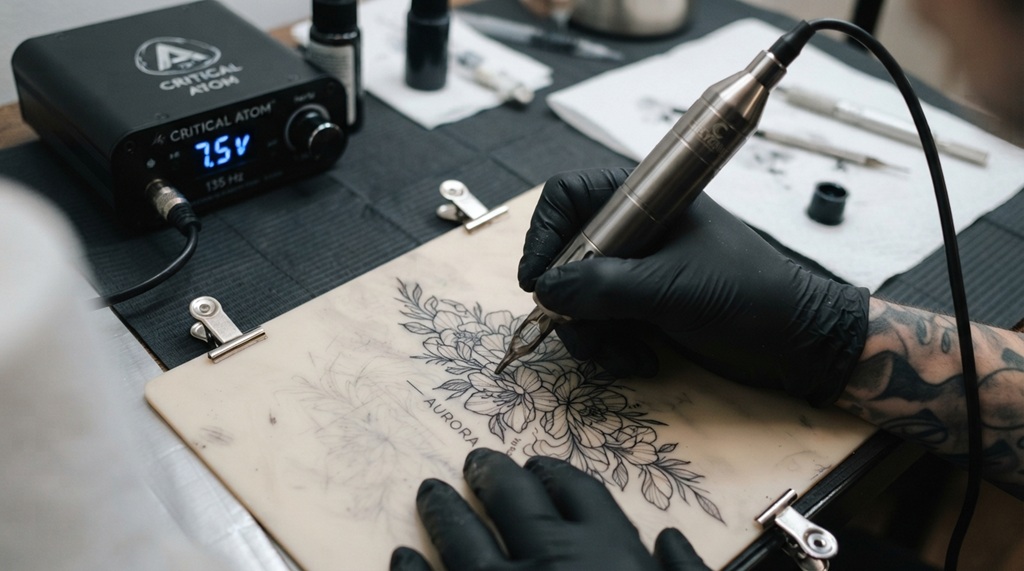
Before you begin testing, gather the proper equipment to ensure accurate results. Using the right tools helps eliminate variables that could affect your evaluation.
Required Equipment
You’ll need:
- A compatible tattoo power supply
- RCA or wireless battery (depending on the pen)
- Quality needle cartridges
- Practice skin or synthetic tattoo skin
- Disposable gloves
- Paper towels
- Machine lubricant (if recommended by the manufacturer)
- Voltage meter (optional but useful)
- Digital timer (optional)
Using fresh, high-quality cartridges is important because a defective cartridge can make an excellent machine appear faulty.
Safety First
Always perform initial testing on practice skin instead of human skin. Wear gloves, inspect the machine for visible damage, and ensure every connection is clean before powering it on.
Inspect the Rotary Tattoo Pen Before Turning It On
A visual inspection can reveal manufacturing defects or wear before electrical testing begins. Even premium tattoo pens should be inspected carefully.
Check the Machine Body
Examine the pen for:
- Cracks or dents
- Loose components
- Uneven machining
- Damaged threads
- Missing screws
- Signs of corrosion
Everything should feel solid with no rattling sounds when gently shaken.
Inspect the Grip and Cartridge Fit
Insert a cartridge without turning the machine on.
A properly fitted cartridge should:
- Lock securely
- Sit straight
- Have minimal movement
- Release smoothly
Excessive wobbling may indicate wear in the cartridge receiver or manufacturing defects.
Examine the Connection
Whether your machine uses RCA, DC, or a wireless battery, inspect all connectors for:
- Bent pins
- Dirt buildup
- Loose contacts
- Damaged insulation
Poor electrical contact often causes inconsistent machine performance.
Testing Motor Consistency and Power Stability
The motor serves as the heart of any high-performance rotary tattoo pen, and professional artists judge a machine primarily by its consistency under resistance. Rather than relying solely on free-running voltage, seasoned tattooers evaluate how smoothly the motor maintains its cadence when driving needles through synthetic skin, ensuring zero torque drop or speed fluctuations during long sessions. While dialing in voltage and needle depth stabilizes overall operation, achieving flawless, saturated linework ultimately hinges on matching your stroke length to your technique, making it essential to know a tattoo machine for clean lines before finalizing your testing setup.
Start at Low Voltage
Begin testing around 5–6 volts (or the manufacturer’s recommended minimum).
Listen carefully.
A healthy rotary motor should produce:
- Smooth rotation
- No grinding
- No clicking
- Minimal vibration
- Consistent sound
If the machine struggles to start, the motor or battery may require inspection.
Increase Voltage Gradually
Raise the voltage in small increments.
Observe whether:
- Speed increases smoothly
- The motor remains stable
- Heat builds excessively
- Sound changes unexpectedly
Professional artists often test between 6V and 9V depending on the intended tattoo style.
Check Heat Generation
Run the machine continuously for 10–15 minutes.
A slight increase in temperature is normal.
However, excessive heat may indicate:
- Motor strain
- Bearing problems
- Poor ventilation
- Electrical issues
According to industry experts, consistent overheating shortens motor lifespan significantly.
Evaluate Needle Performance and Stroke Consistency
The needle movement determines how effectively ink enters the skin. Even a powerful motor becomes ineffective if the stroke is inconsistent.
Observe Needle Motion
Install a cartridge and watch the needle while the machine runs.
Professional machines should show:
- Straight movement
- Consistent extension
- No side-to-side wobble
- Smooth retraction
Uneven motion often points to alignment issues.
Test on Practice Skin
Practice skin reveals much more than free-running tests.
Create:
- Straight lines
- Circles
- Shading
- Whip shading
- Packing
Watch for:
- Ink saturation
- Needle skipping
- Uneven penetration
- Line consistency
Professionals judge machines by tattoo performance rather than sound alone.
Compare Different Needle Sizes
Repeat testing using multiple cartridge configurations, such as:
- 3RL
- 5RL
- 9RL
- 7M
- 15M
A quality rotary tattoo pen should maintain stable performance regardless of cartridge size within its intended operating range.
Test Comfort, Balance, and Vibration During Use
Professional artists may tattoo for several hours without interruption. Comfort becomes just as important as raw power.
Check Machine Balance
Hold the pen as if tattooing.
Ask yourself:
- Does it feel front-heavy?
- Is the grip comfortable?
- Can you maintain control easily?
- Does your wrist tire quickly?
Well-balanced machines reduce fatigue during long sessions.
Evaluate Vibration
Some vibration is unavoidable.
However, excessive vibration can:
- Reduce precision
- Cause hand fatigue
- Affect line quality
- Make shading inconsistent
Professional artists often notice vibration differences immediately when switching between machines.
Simulate Long Sessions
Practice continuously for 20–30 minutes.
Notice:
- Grip comfort
- Motor stability
- Battery performance
- Heat buildup
- Noise changes
Many problems only appear after extended use.
Common Problems Found During Testing
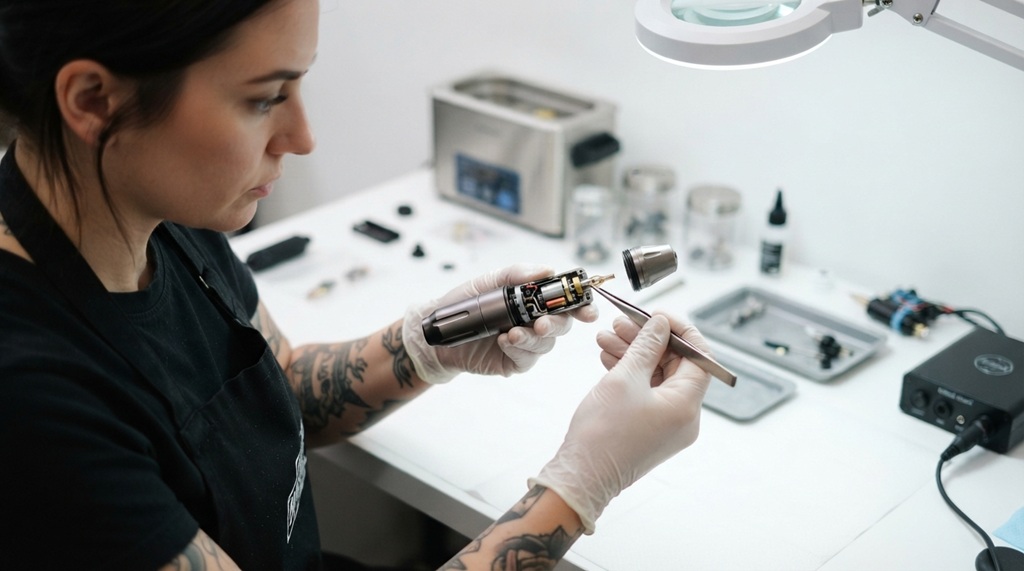
Even high-quality rotary tattoo pens occasionally develop issues. Identifying symptoms early can prevent interrupted tattoo sessions.
Inconsistent Power
Possible causes include:
- Weak battery
- Faulty power supply
- Loose RCA connection
- Internal wiring problems
Always eliminate external causes before assuming the machine itself is defective.
Needle Wobble
Potential reasons include:
- Worn cartridge receiver
- Poor-quality cartridges
- Bent drive mechanism
- Manufacturing defects
Changing cartridges is often the quickest troubleshooting step.
Excessive Noise
Unusual sounds may indicate:
- Loose internal screws
- Bearing wear
- Motor damage
- Foreign debris inside the machine
A healthy rotary tattoo pen should sound smooth rather than harsh or metallic.
Overheating
If the machine becomes unusually hot:
- Lower the operating voltage.
- Check for airflow restrictions.
- Allow cooling periods during testing.
- Inspect the motor if overheating continues.
Persistent overheating should never be ignored.
Professional Tips to Get the Most Accurate Test Results
Experienced tattoo artists rely on consistent testing habits instead of quick impressions. Small details often reveal whether a machine will perform reliably in real tattoo sessions.
Test Under Real Working Conditions
Use the same voltage, cartridges, grip style, and hand position you normally use during tattooing. A machine that performs well in realistic conditions is more likely to deliver consistent results with clients.
Keep a Testing Log
Record details such as:
- Operating voltage
- Cartridge type
- Stroke length
- Battery runtime
- Heat levels
- Noise observations
Keeping notes makes it easier to compare machines or spot gradual performance changes over time.
Compare Multiple Machines
If possible, test your rotary tattoo pen alongside another machine you already trust. Comparing line quality, vibration, and handling side by side helps identify subtle strengths or weaknesses that are difficult to notice in isolation.
Don’t Judge by Sound Alone
A quieter machine isn’t automatically better, and a slightly louder machine isn’t necessarily defective. Focus on line consistency, needle stability, and overall tattoo performance rather than sound alone.
Frequently Asked Questions
How long should I test a rotary tattoo pen before using it on a client?
Test the machine for at least 20 to 30 minutes on practice skin. This allows you to evaluate motor consistency, heat buildup, vibration, and overall reliability during conditions similar to an actual tattoo session.
What voltage should I use when testing a rotary tattoo pen?
Start at the manufacturer’s recommended minimum voltage, usually around 5–6 volts, and gradually increase it based on your intended tattoo style. Avoid exceeding the recommended maximum voltage.
Why does my rotary tattoo pen become warm during testing?
A slight increase in temperature is normal after extended use. If the machine becomes excessively hot, loses power, or changes sound significantly, inspect the motor, power source, and ventilation before continuing.
Can poor-quality cartridges affect my test results?
Yes. Low-quality or damaged cartridges can cause wobbling, inconsistent needle movement, and poor ink flow, making a perfectly functional machine appear defective. Always test with reliable cartridges.
Should I lubricate my rotary tattoo pen before testing?
Only if the manufacturer recommends it. Many modern rotary tattoo pens are designed to operate without regular lubrication, while others require periodic maintenance to keep internal components running smoothly.
Conclusion
Learning how to test rotary tattoo pens like a professional artist is an essential skill for maintaining high-quality tattoo work. A thorough evaluation goes beyond simply turning the machine on it involves inspecting the build quality, testing motor performance, checking needle consistency, assessing balance and vibration, and simulating real tattoo conditions.
By following a systematic testing routine and using quality accessories, you can identify potential issues before they affect your work. Whether you’re a beginner investing in your first rotary tattoo pen or an experienced artist expanding your equipment collection, proper testing helps ensure smoother operation, greater reliability, and consistently professional tattoo results.